
![[PLUGIN] X-STREAMITY v5.31](http://www.vuplus4k.com/wp-content/themes/magazine-style/images/nothumb.jpg)


Here is a tutorial on the installation and configuration of CCcam on the Vu+ decoder under a SatDreamGR 6 image.
For this tutorial you need.
Material:
Vu + ZERO, UNO, DUO, DUO 2, ULTIMO, SOLO, SOLO 2, SOLO SE,
CCAM is not compatible with 4K, Uno 4k, solo 4k, Ultimo 4k
Software:
Winscp

CCCAM subscription
If you do not have a CCcam subscription you can order it here

1- Installing the CCCAM
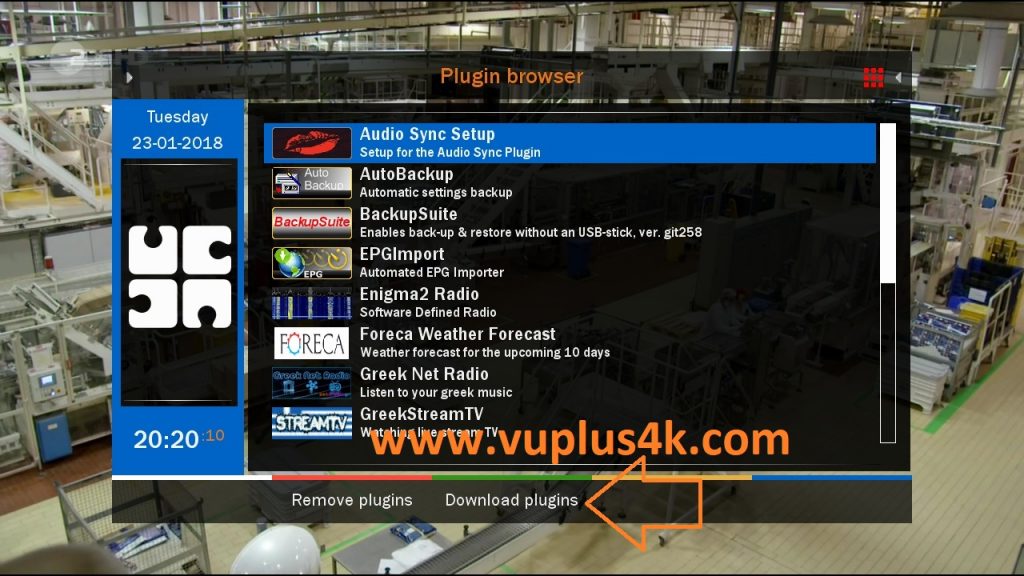
Press Green Button to launch Pannel
Next press Blue Button to launch download plugins
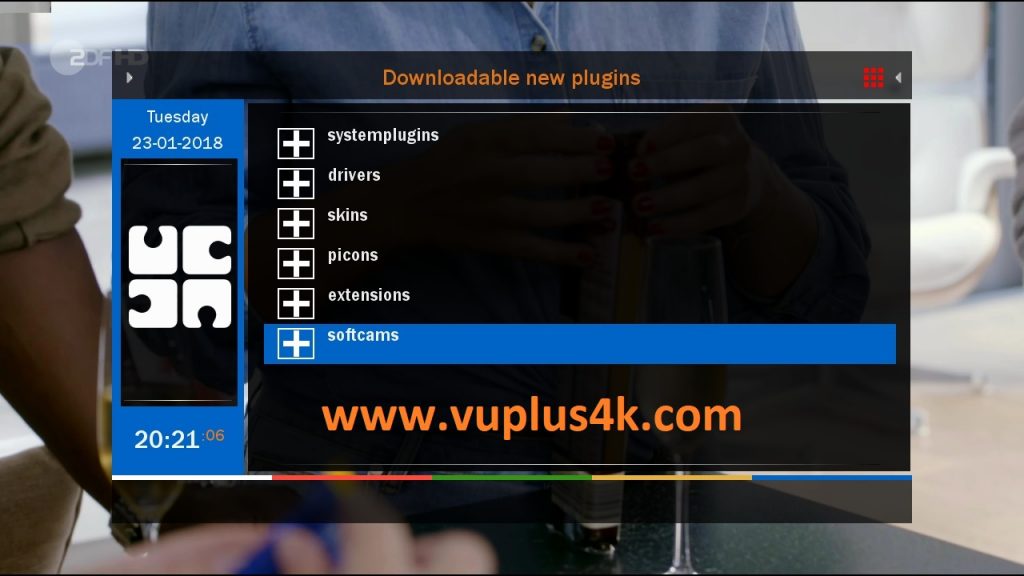
Next select Softcams press OK
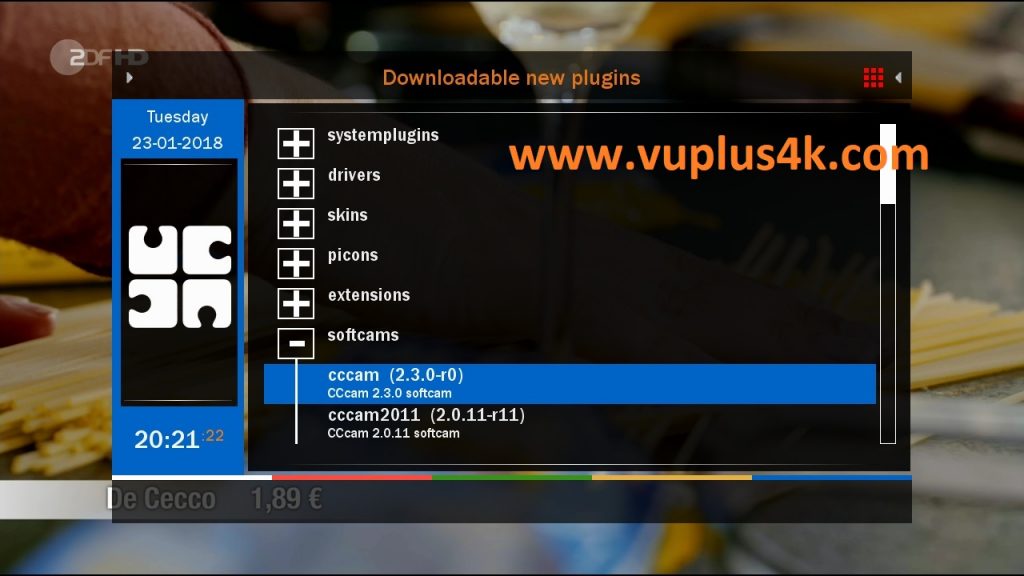
Select CCCAM 2.3.0 and press OK
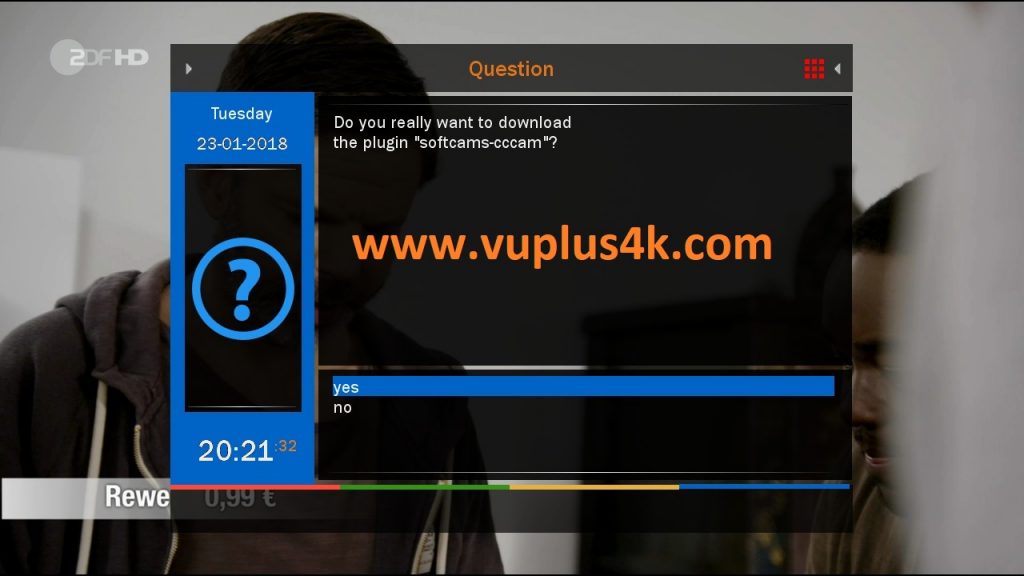
Choose Yes to confirm installation
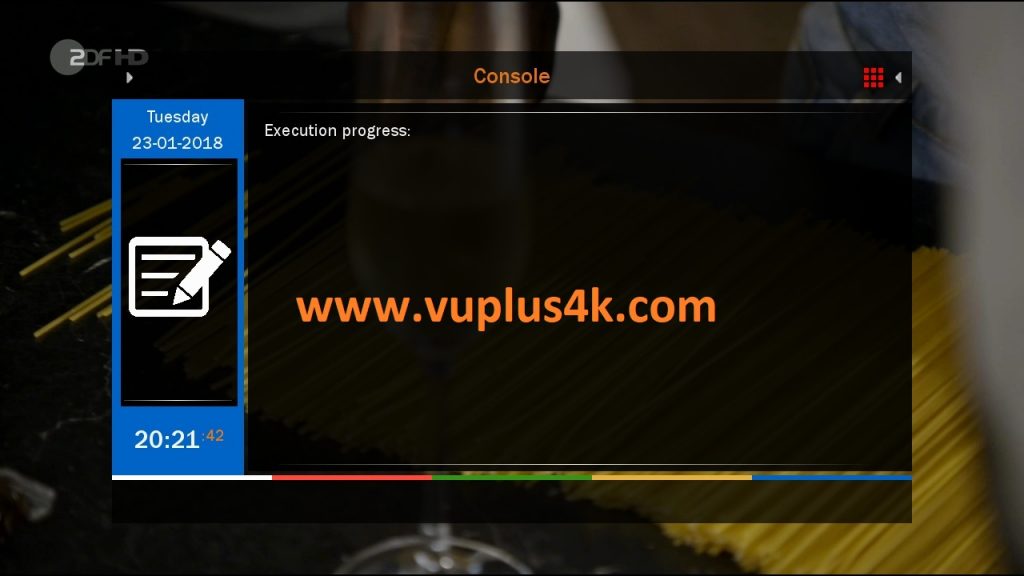
Please wait while installing CCCAM softcam
after installation press Exit
2. Copy of the CCCam subscription
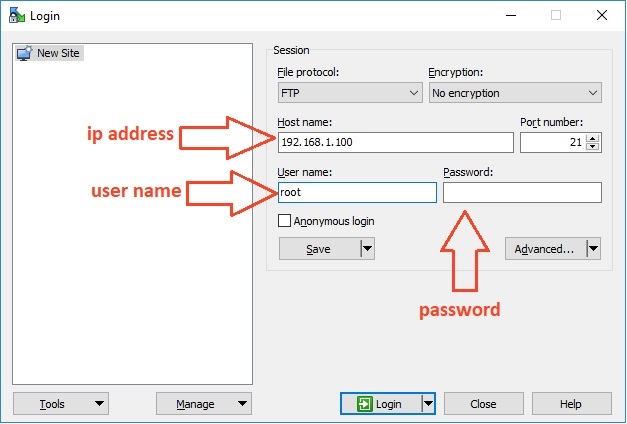
– Launch WINSCP in the home window
File protocol: FTP
Hot name: 192.168.1.100 (ip address of your VU+ )
User name: root
Password: “empty” by default the root password in SatdreamGR is empty (no password)
After clicking on Login
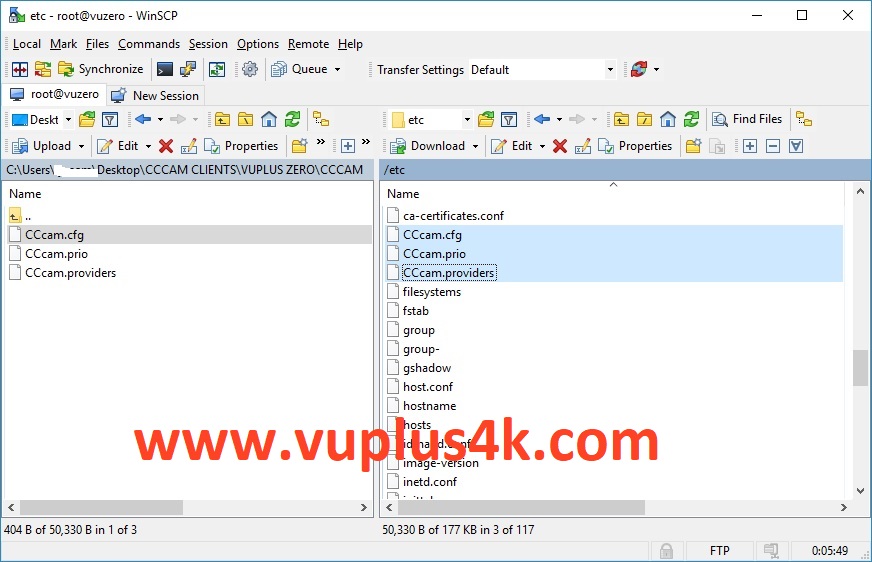
Copy subscription files from your PC to the /etc path of your receiver.
CCcam.cfg
CCcam.prio
CCcam.providers
3. Starting CCcam
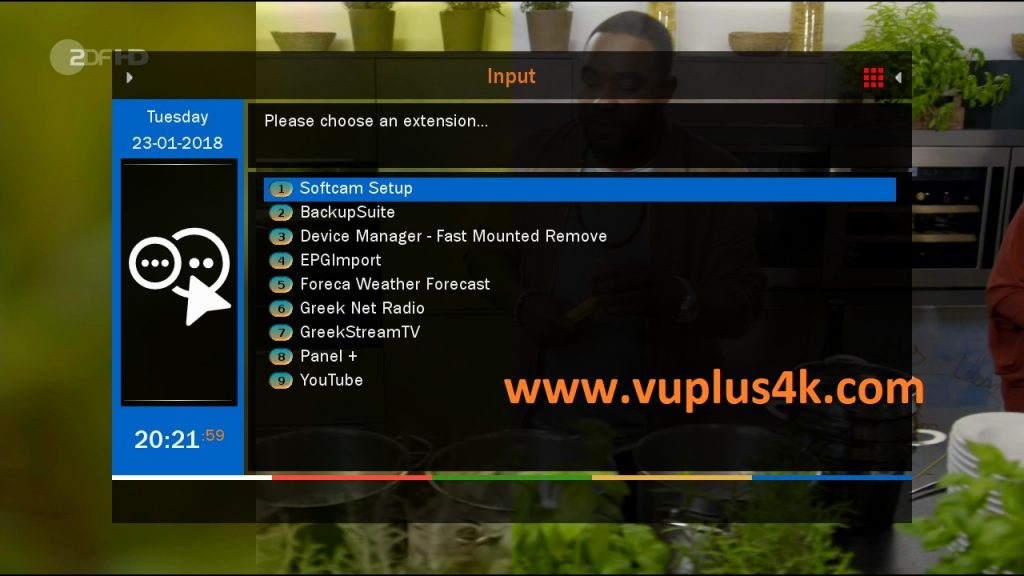
Press the blue button
Choose Softcam setup
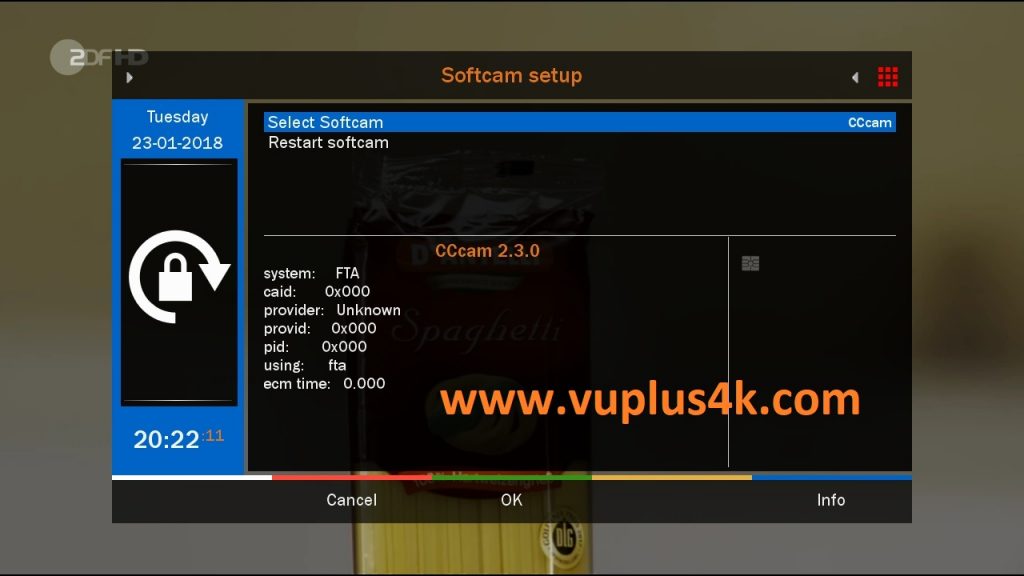
Choose Softcam CCcam
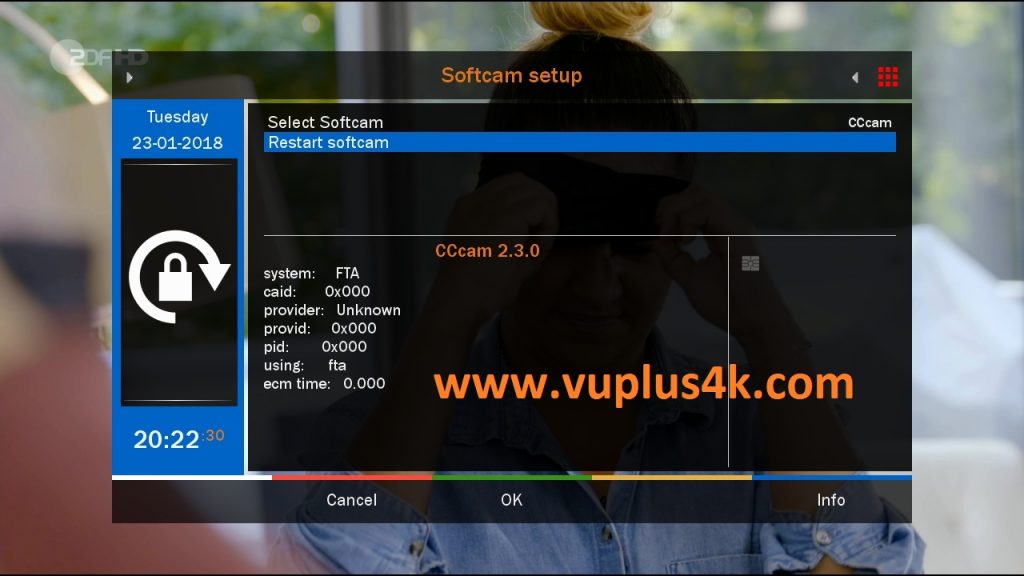
then choose the Restart softcam, press OK to start it
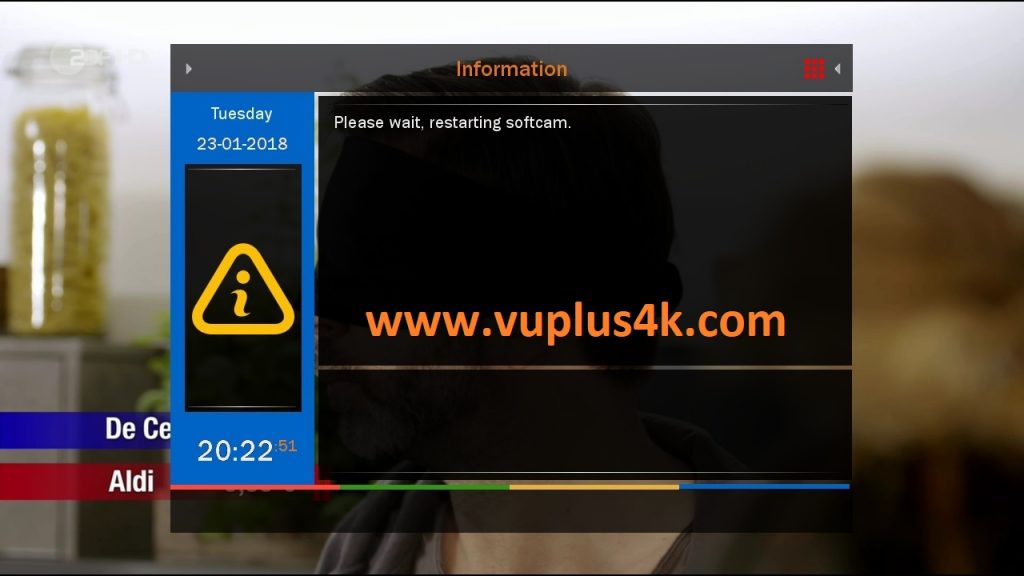
Please wait while starting CCcam

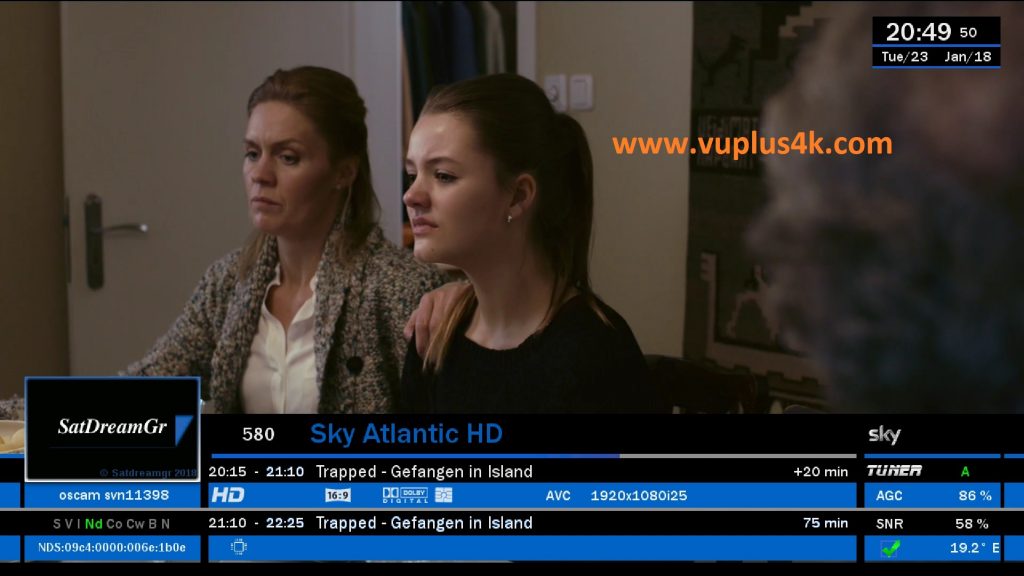

VIDEO
https://www.youtube.com/watch?v=bYTnxWYKIrY