![[PLUGIN] X-STREAMITY v5.31](http://www.vuplus4k.com/wp-content/themes/magazine-style/images/nothumb.jpg)


Here is a tutorial on the installation and configuration of CCcam on the Vu+ decoder under a SFTEAM 6 image and CCcam.
For this tutorial you need.
Material:
Vu + ZERO, UNO, DUO, DUO 2, ULTIMO, SOLO, SOLO 2, SOLO SE
Dreambox
Software:
Winscp

A CCcam subscription
If you do not have a CCcam subscription you can order it here

1- Installing the CCCAM
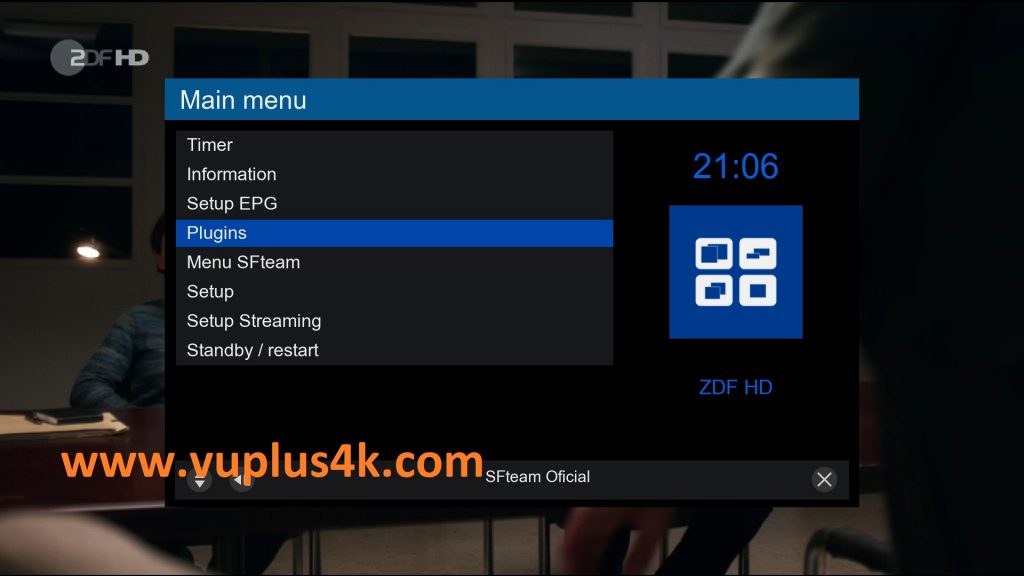
Press MENU – Plugins
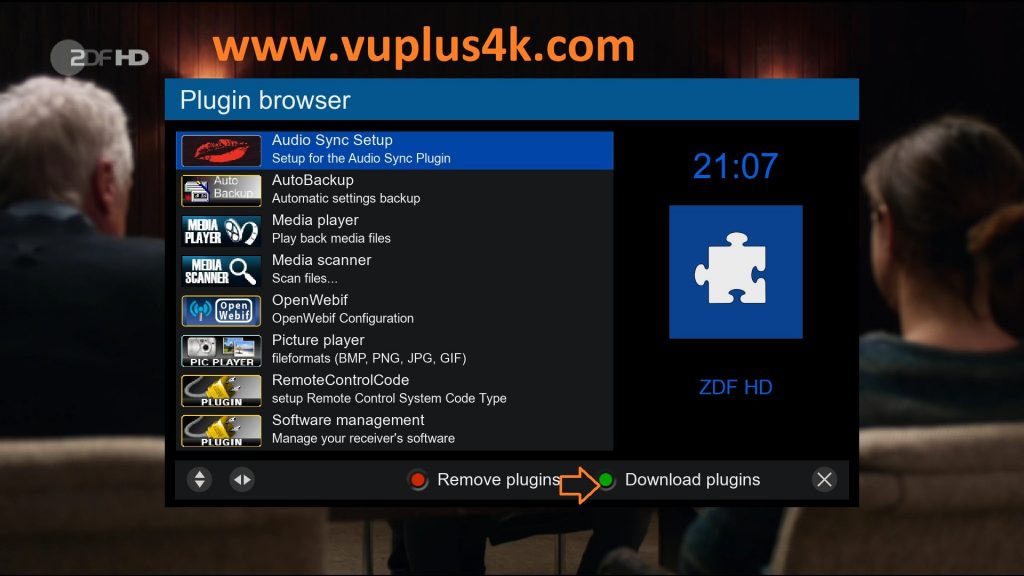
Press GREEN button to download plugins
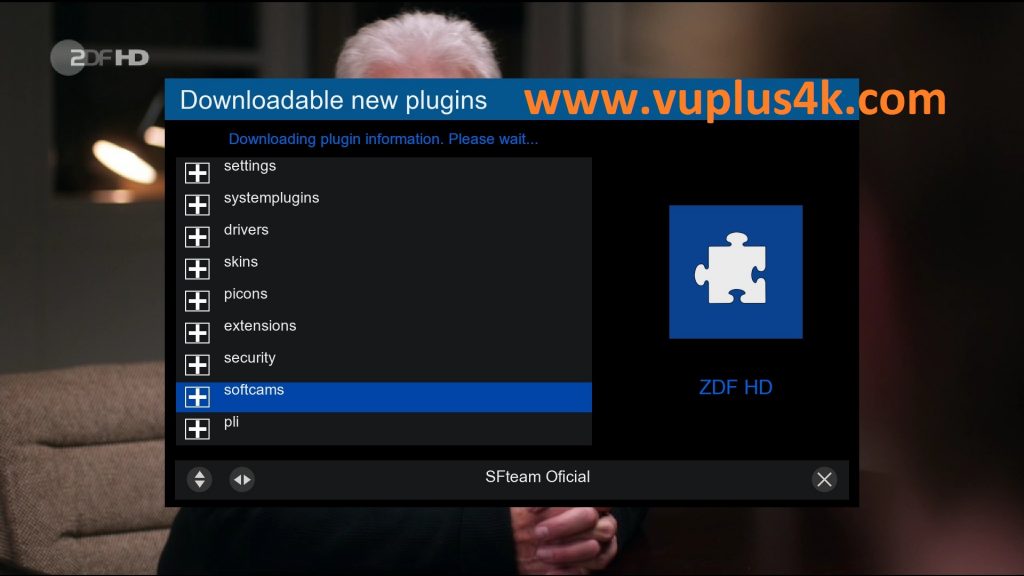
Next select Softcams press OK
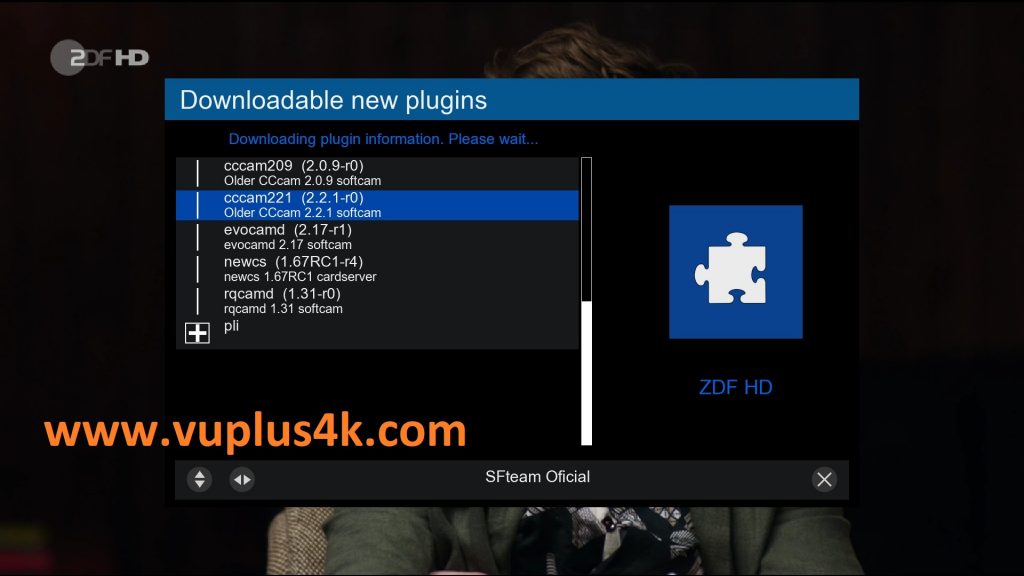
select CCCAM-EMU
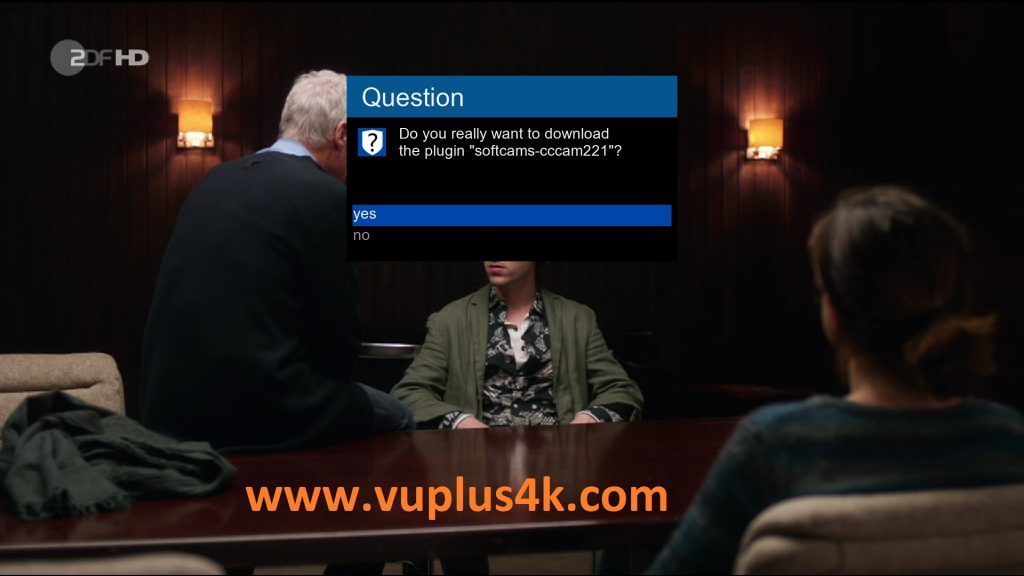
Choose Yes to confirm installtion
Please wait while installing CCCAM softcam
after installation press Exit
2. Copy of the CCCam subscription
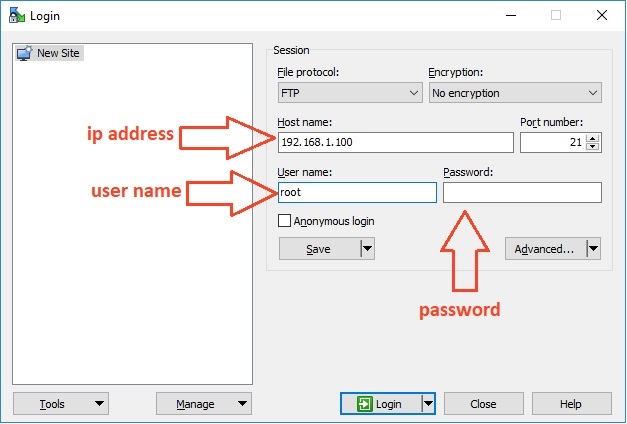
– Launch WINSCP in the home window
File protocol: FTP
Hot name: 192.168.1.100 (ip address of your VU+ )
User name: root
Password: “empty” by default the root password in SFTEAM is empty (no password)
After clicking on Login
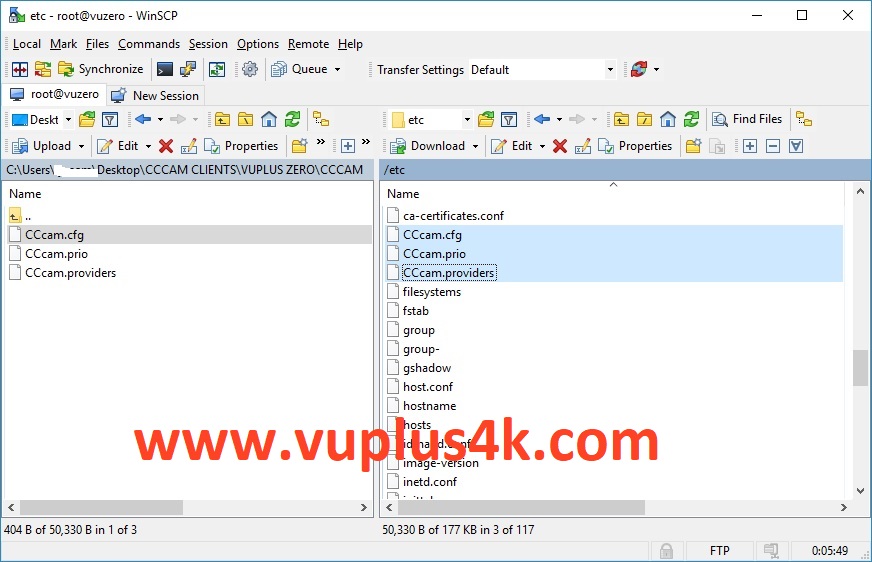
Copy subscription files from your PC to the /etc path of your receiver.
CCcam.sfg
CCcam.Prio
CCcam.providers
3. Starting CCcam
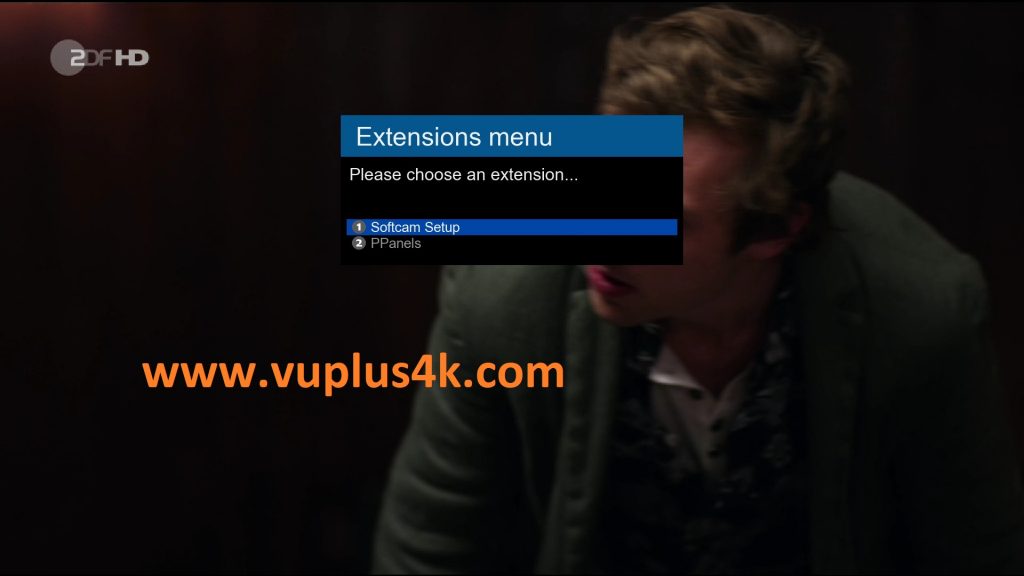
Press the blue button
Choose Softcam Setup
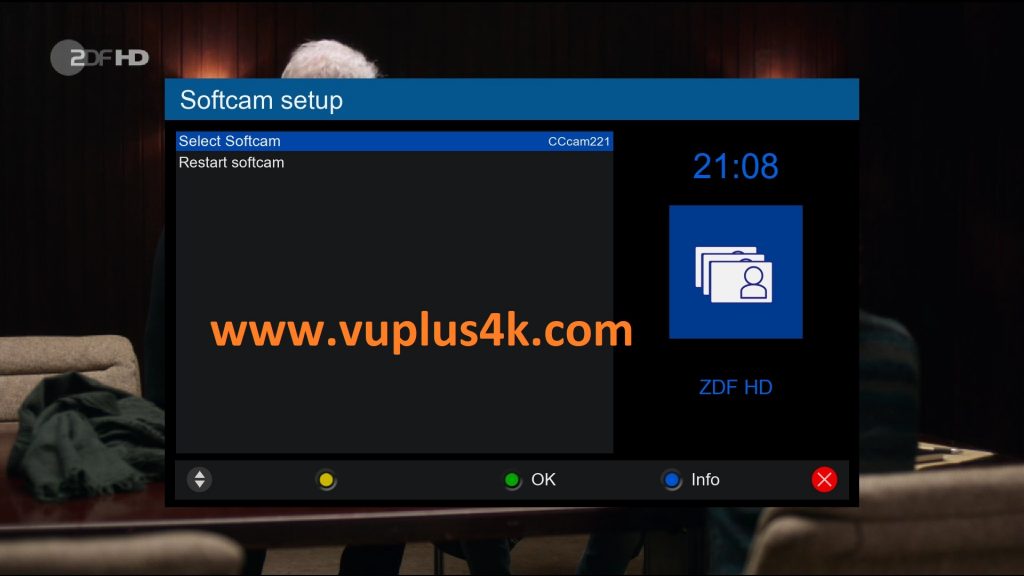
Choose CCCAM-EMU
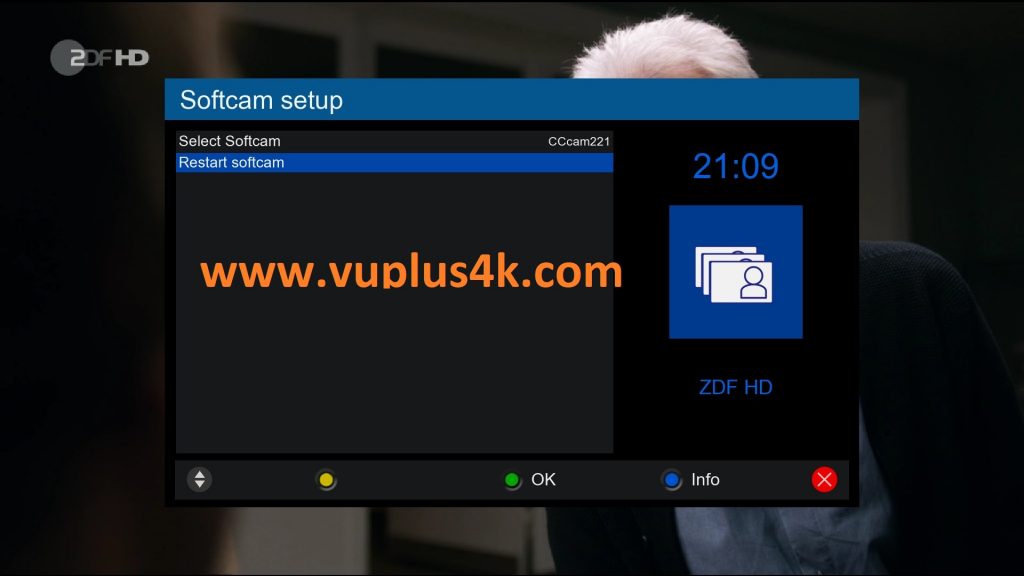
then choose the Restart Softcam softcam, press OK to start it
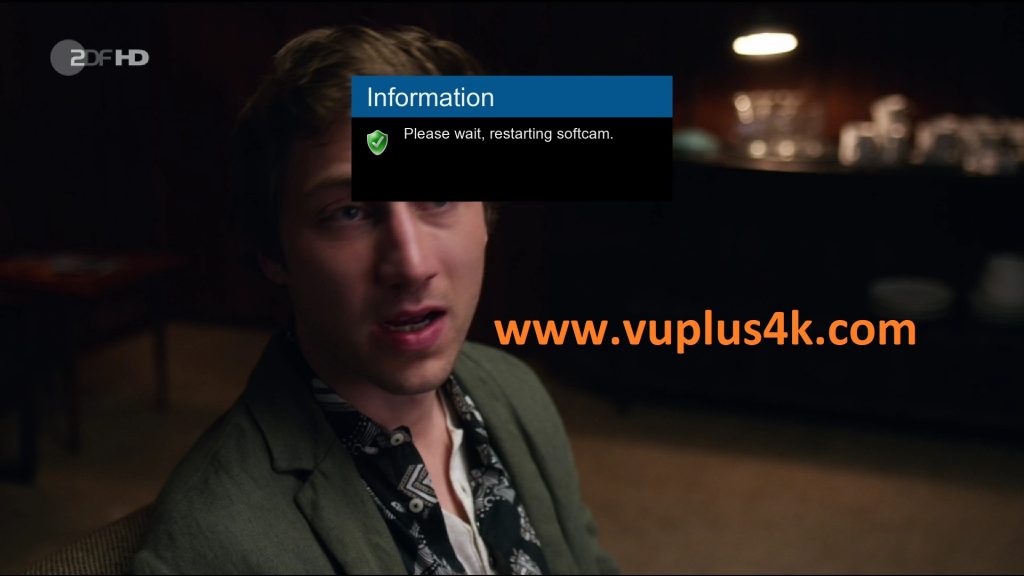
Please wait while starting CCCAM